logo

HACA

Hill Area Conservation Authority (HACA) Report

Planning to buy land, develop a layout or build in a hill area? Find out whether your site falls under HACA and which NOCs you may need, before you plan or apply.
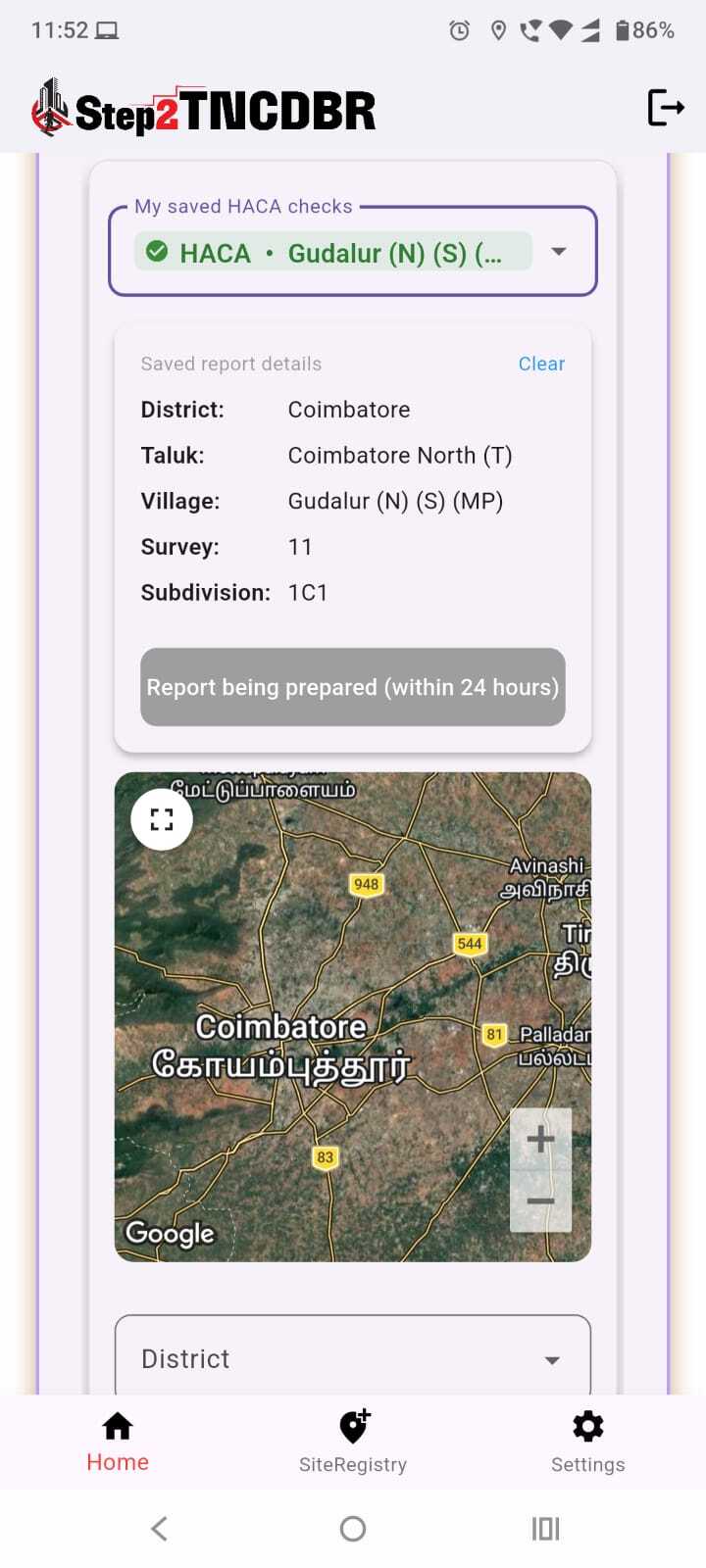
Saved HACA check in the Step2TNCDBR app

What Does the Report Cover?

Basic Plot Information

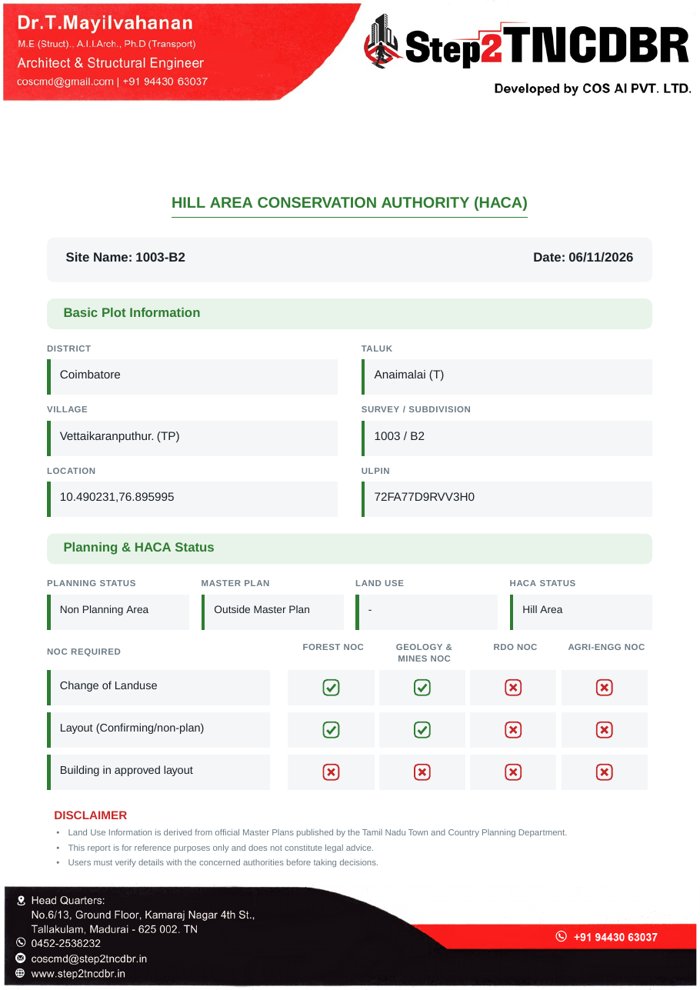
District, taluk, village, survey / subdivision, location coordinates and ULPIN of your site.

Planning Status

Whether the site falls within a planning area or a non-planning area.

Master Plan & Land Use

Whether the site is inside or outside a master plan, along with its land use.

HACA Status

Whether the site falls within a Hill Area under the Hill Area Conservation Authority.

NOC Requirement Matrix

Forest, Geology & Mines, RDO and Agri-Engg NOC requirements, shown as clear tick / cross marks.

Activity-wise NOC Check

NOCs needed for Change of Landuse, Layout (confirming / non-plan) and Building in approved layout.

How It Works

Find out your site’s HACA status and NOC requirements in three steps.

  1. Open Step2TNCDBRDownload the free app on Android or iPhone, or visit www.step2tncdbr.in.
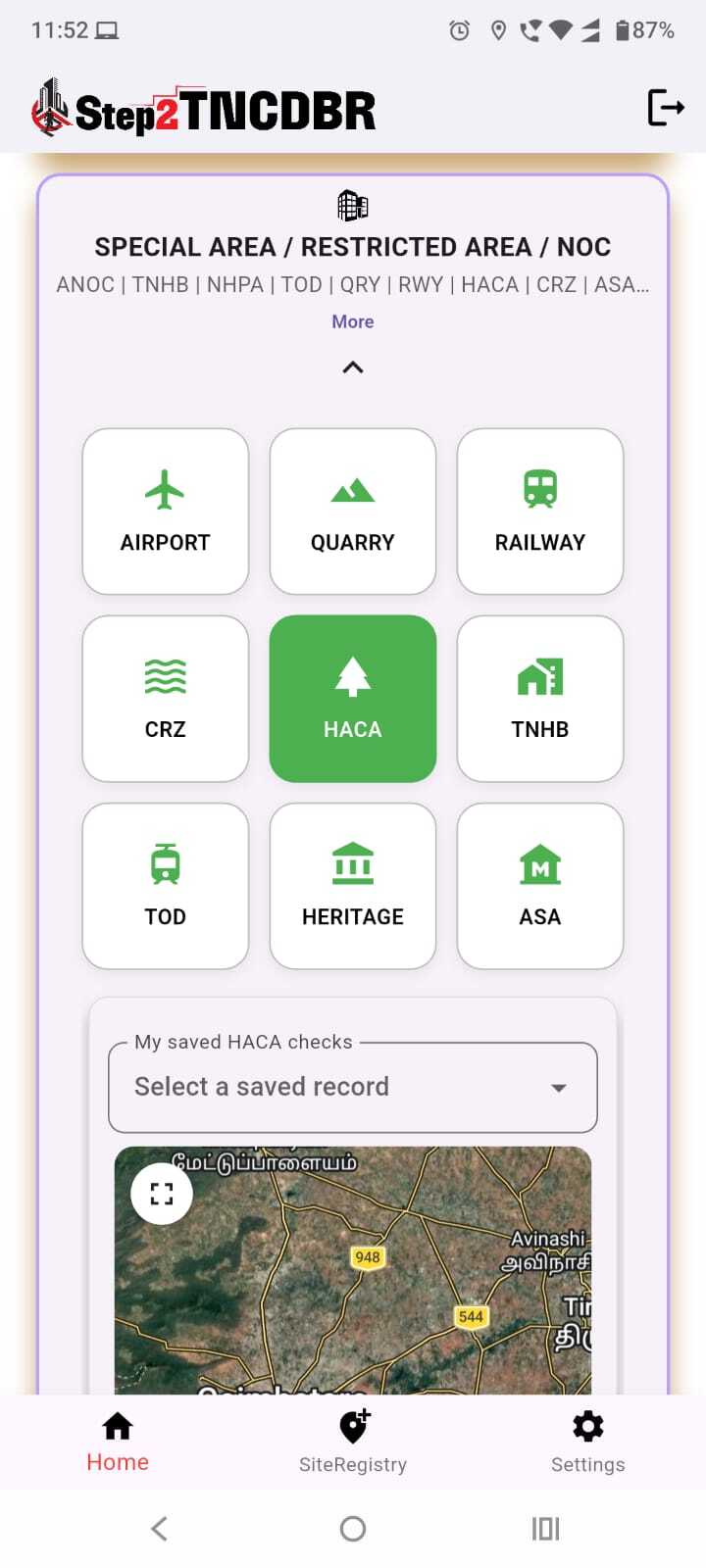
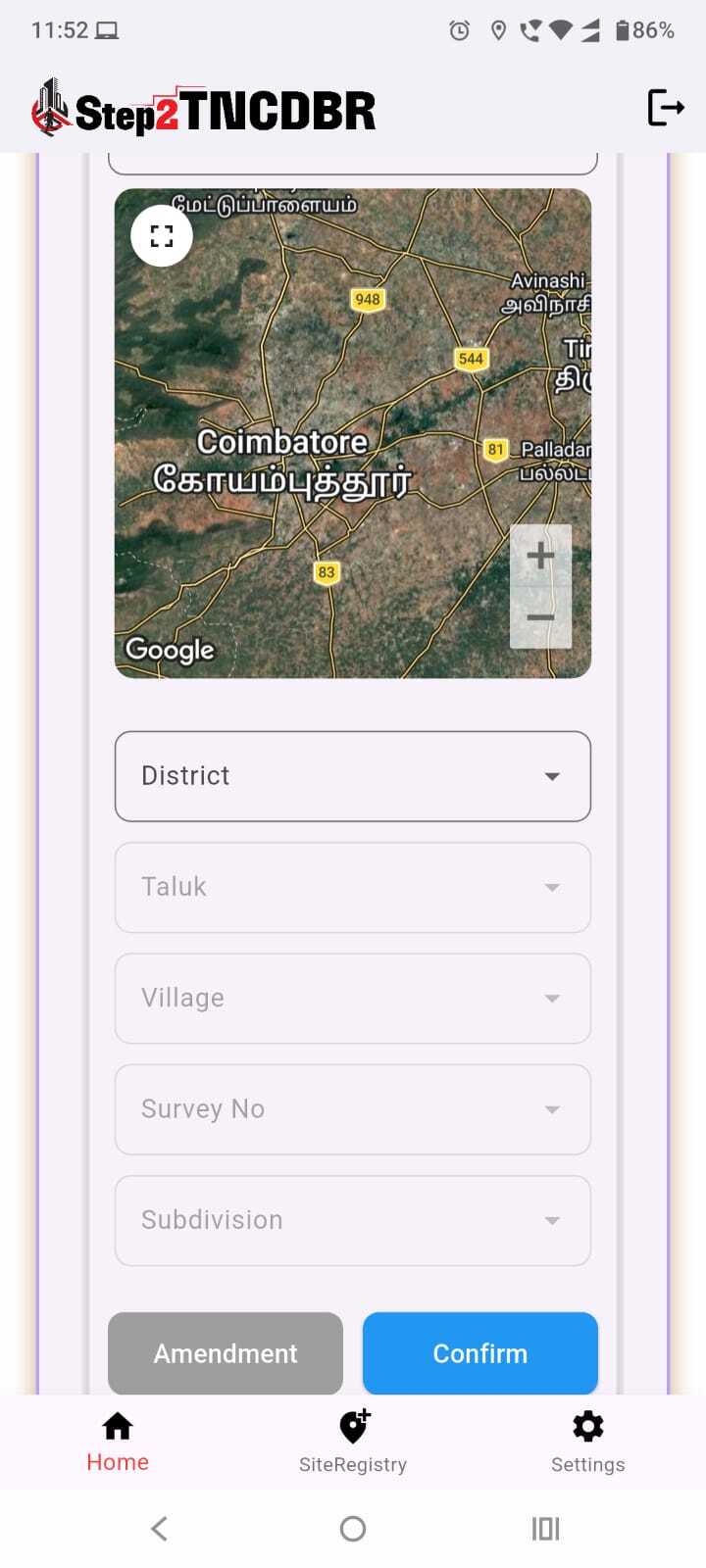
  2. Select HACAUnder Special Area / Restricted Area / NOC, tap the HACA tile and choose your saved site.
  3. Get Your ReportView the HACA status and NOC requirements for your site, and download the report.

Get Your Report

Pricing: By mutual terms

Pricing depends on the site and the scope of work. Contact us for a quote.

Who Is It For?

For landowners, builders, architects and engineers.

Disclaimer
  • Land use information is derived from official Master Plans published by the Tamil Nadu Town and Country Planning Department.
  • This report is for reference purposes only and does not constitute legal advice.
  • Users must verify details with the concerned authorities before taking decisions.